
First-party disclosure: we build transcribe.so, a cloud transcription service. MacWhisper is a local, offline Mac app, which is a genuinely different thing, so this guide first helps you decide whether you even want to leave local for cloud. Competitor numbers are from each vendor's own pages, dated and linked.
MacWhisper is excellent at what it does: a one-time purchase (Pro is 64 EUR, about $74, Gumroad, checked June 13, 2026), no subscription, and your audio never leaves your Mac. The right alternative depends entirely on why you are looking. So start here:
Read this first: what are you actually optimizing for?
If you want to stay offline and private (audio never leaves your machine, no recurring fee), do not switch to a cloud tool, ours included. Your honest options are MacWhisper itself, Whisper Notes ($6.99 one-time, Apple Silicon), or OpenAI Whisper run locally (free, MIT). A cloud service is the wrong answer to a privacy requirement.
If you want top accuracy, multi-device access, non-Mac support, an API, or a transcript that does more than sit in a window (search, chapters, Q&A, sync across web/phone/agents), then a cloud tool makes sense, and that is where transcribe.so fits.
TL;DR. Stay on MacWhisper if offline-only, on-device, one-time-purchase transcription on a Mac is the requirement. Switch to cloud if you need higher accuracy than local Whisper, access from more than one device, Windows/Linux/phone support, an API, or library features.
MacWhisper alternatives at a glance
All figures checked against vendor pages on June 13, 2026.
| Tool | Pricing | Processing | Diarization | Platforms | Best for |
|---|---|---|---|---|---|
| MacWhisper | One-time 64 EUR (~$74) Pro; free tier | Local, offline | Pro (M-series local or cloud keys) | Mac only | Offline, private, one-time cost |
| OpenAI Whisper | Free (MIT) | Local, offline | None built in | Any (self-host) | Developers who self-host |
| Whisper Notes | $6.99 one-time per platform | Local, offline | Not offered | Apple Silicon Mac, iPhone 12+ | Cheapest offline |
| Transcribe.so | Pay-as-you-go from $1.12/hr | Cloud | Included in model price | Web, macOS app, API, MCP | Accuracy, multi-device, integrations |
| TurboScribe | $120/yr flat | Cloud (Whisper) | Included, free | Web | Heavy flat cloud volume |
| Rev | $1.99/min human; $0.25/min AI | Cloud | Included | Web, API | Certified human accuracy |
Honest rows: MacWhisper, Whisper Notes, and local Whisper are the only truly offline options here, and that is their advantage no cloud tool can match. MacWhisper also has a genuinely deep feature set for a $74 one-time app: batch transcription, system-audio meeting recording, watch folders, and 50+ export formats. If those matter and you are on a Mac, MacWhisper is hard to beat on value.
The accuracy and cost trade-off
MacWhisper runs OpenAI Whisper models locally (Pro unlocks larger models and Nvidia Parakeet on M-series Macs, Gumroad feature list). Local Whisper is good, but it trails the current leaders on benchmarks:
- transcribe.so's default Qwen3-ASR ranks #4 of 80+ models on the public Open ASR Leaderboard (May 2026), with 21.6% fewer errors than Whisper-large-v3 at the same throughput.
- On FLEURS it publishes 2.07% WER Korean, 3.09% Japanese, 2.38% Mandarin (Qwen3-ASR paper). Local Whisper's multilingual accuracy, especially for Asian languages, is materially behind.
Cost shape is the opposite of accuracy, though. MacWhisper is a one-time $74; transcribe.so is metered. The crossover:
| Usage | MacWhisper (one-time $74) | Transcribe.so pay-as-you-go | Cheaper over 2 years |
|---|---|---|---|
| Student, 3 hr/mo | $74 once | about $104 over 2 yr (Qwen3 Flash) | MacWhisper, if Whisper accuracy is fine |
| Podcaster, 10 hr/mo | $74 once | about $346 over 2 yr | MacWhisper on cost |
| Accuracy-critical, any volume | $74 once, but Whisper-level | metered, but higher accuracy + features | depends on whether accuracy/features are worth the metered cost |
For pure cost on a Mac, MacWhisper's one-time fee usually wins. transcribe.so wins when accuracy, multi-device access, or the library/API features are worth paying per minute for.
Where transcribe.so is different
- Higher measured accuracy than local Whisper, with published per-language benchmarks.
- Diarization included in the model price (MacWhisper gates diarization to Pro and notes it can split one speaker into several, support doc).
- Multi-device and multi-platform: web app, native macOS app (meeting capture via AudioTap on macOS 14.2+), REST API, and an MCP connector for Claude. MacWhisper is Mac-only with a separate iOS app on its own subscription.
- A transcript that does more: semantic search across your whole library, AI chapters, and Q&A with timestamped citations, none of which a local single-file app provides.
- YouTube and podcast URL ingestion, not just local files.
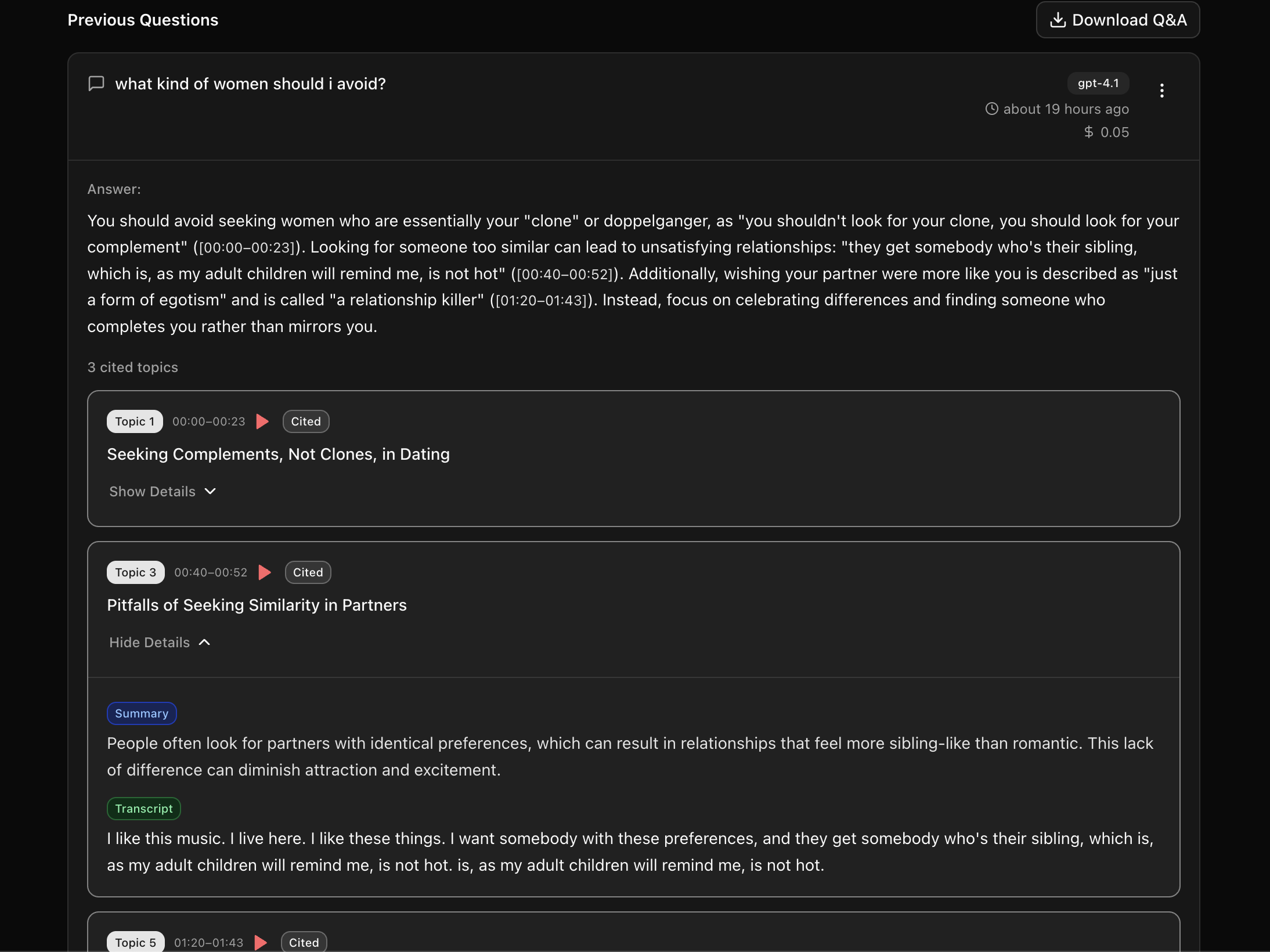
The macOS app means you do not have to give up native Mac convenience to get cloud accuracy and a searchable library: capture a meeting locally, then sync it to your library when you want the extras.
When MacWhisper is the better choice
- Privacy is the requirement. Audio must never leave the machine. No cloud tool, including transcribe.so, can match local-only processing.
- You want a one-time purchase, not a per-minute or subscription cost, and you are on a Mac.
- You work entirely on one Mac and do not need phone, web, or API access.
- You value MacWhisper's specific Pro features: batch transcription, system-audio recording, watch folders, and its large export-format list.
If that is you, MacWhisper is the right tool and we would not try to talk you out of it.
Migrating from (or alongside) MacWhisper
You do not have to choose exclusively. A common setup: keep MacWhisper for offline/private work, use transcribe.so when you need accuracy, search, or sharing.
- Keep your audio files; MacWhisper does not lock them.
- For transcripts you want searchable or shareable, re-run them through transcribe.so (paste a URL or upload), or capture new meetings with the macOS app.
- transcribe.so exports SRT, VTT, and karaoke VTT; MacWhisper exports a broader format set if you need DOCX/CSV/markdown locally.
Frequently asked questions
What is the best MacWhisper alternative in 2026?
It depends on whether you want to stay offline. To stay offline, Whisper Notes ($6.99) or local OpenAI Whisper (free). To move to the cloud for higher accuracy, multi-device access, and library features, transcribe.so. MacWhisper itself remains the best offline Mac app for many users.
Is transcribe.so private like MacWhisper?
MacWhisper processes audio entirely on your Mac, so nothing leaves the device. transcribe.so is a cloud service: audio is uploaded, processed, stored encrypted, and deletable anytime. If on-device-only processing is a hard requirement, stay with MacWhisper or another local tool.
Is transcribe.so more accurate than MacWhisper?
In general yes, for the cloud models. MacWhisper runs OpenAI Whisper locally; transcribe.so's default Qwen3-ASR ranks higher than Whisper-large-v3 on the public Open ASR Leaderboard and publishes lower word error rates for Korean, Japanese, and Chinese.
Does MacWhisper cost a subscription?
No. MacWhisper Pro on Gumroad is a one-time purchase (64 EUR, about $74) with all future updates included. Note the separate iOS app "Whisper Transcription" is subscription-based; they are different products from the same developer.
Can I use MacWhisper on Windows or my phone?
MacWhisper is Mac-only. The developer's separate "Whisper Transcription" app covers iPhone/iPad on its own pricing. transcribe.so works on the web, as a macOS app, and via API, so it is reachable from any device.
Does MacWhisper do speaker diarization?
Yes, on Pro, using local models on M-series Macs or cloud providers with your own API keys. MacWhisper's own docs note the diarization can sometimes split one speaker into multiple. transcribe.so includes diarization in the model price on supporting models.
See also: the pay-as-you-go case, the TurboScribe guide (also Whisper-based), the Rev guide, and our pricing page.